To run people’s choice awards setup quickly and safely, use a purpose-built, self-serve online voting platform such as Izivote, then work through the checklist below. Build your process around the usability and transparency principles in NIST’s VVSG guidance, and plan to publish a short verification summary after the vote closes. That one habit does a lot for your legitimacy.
Key Takeaways
Using a purpose-built online voting platform like Izivote ensures transparency, security, and ease in managing people’s choice awards effectively.
| Point | Details |
|---|---|
| Define rules early | Establish nomination categories, eligibility, and voting rules before collecting nominees to avoid confusion later. |
| Match voting method to stakes | Choose a voting process that aligns with your event’s importance, balancing ease of use and security. |
| Design clear ballots | Create simple, mobile-friendly ballots with consistent nominee presentation and limits on choices to boost participation. |
| Layer anti-fraud controls | Implement multiple defenses such as rate limits, device fingerprinting, and verification to prevent gaming the vote. |
| Use Izivote for streamline management | Izivote offers customizable voting options, live result tracking, and proven reliability for events worldwide. |
Table of Contents
- What should you finish before building the vote?
- How do you plan categories, rules and a timeline?
- Which voting method fits your event?
- How should you design ballots and nominee pages?
- Which anti-fraud controls and tests do you need?
- What does a live voting runbook look like?
- How do you audit results and report transparently?
- Why do we recommend Izivote for people’s choice awards?
- FAQ
- Sources
What should you finish before building the vote?
Scan this list before you touch any software:
- Define categories, eligibility and nomination rules before you collect a single nominee.
- Pick a voting method that fits your stakes: open, login-gated, identity-verified or paid.
- Gather nominee photos and short bios, and decide between single-choice and ranked ballots.
- Set anti-fraud guardrails and write down who decides when to pause voting.
- Schedule a load test and a dry run, and plan to publish audit logs after close.
Each item gets its own section below.
How do you plan categories, rules and a timeline?
Start with the structure, because every later decision depends on it. Choose between open nominations, where anyone can suggest a nominee, and a curated shortlist your team assembles. Whichever you pick, write the process down and publish it.
Then work through these steps in order:
- Write eligibility rules that say who can nominate and who can vote.
- Set a tie-break policy now, such as a runoff round or a shared win, so you never improvise under pressure.
- Build the timeline: nomination window, verification window, voting window, then an audit and appeal period.
- Add lead time for assets. Photos and bios arrive late more often than not.
- If you plan paid voting, budget for fees. On Izivote, paid voting carries a 10% platform fee per vote, so factor that into any fundraising target.
A realistic timeline gives you room to promote the vote and still leave a few days to check results before the ceremony.
Which voting method fits your event?
Match the method to what is at stake. A local fan favorite poll and a nationally watched industry award need very different protection, and the Financial Conduct Authority’s speech on calibrating controls makes the same point: simple browser-based duplicate prevention may be enough for low-stakes polls, while high-stakes awards call for stronger checks such as single sign-on or phone-based authentication.
- Open voting: lowest friction and the highest turnout, but the easiest to game.
- Login gating: email and password add a speed bump for repeat voters without much effort for real ones.
- SSO or phone verification: the strongest one-person-one-vote protection, at the cost of more steps.
- Paid votes: good for raising money, but you take on payment handling and platform fees.
Keep the voter’s effort in mind. Research on voting design cautions that over-complicating the flow suppresses participation, for example by forcing email confirmation on every vote.
Pro Tip: Use device fingerprinting or single sign-on to enforce one vote per person while keeping the ballot to one or two taps.
Our features page lists the verification modes we support.
How should you design ballots and nominee pages?
A ballot should be obvious at a glance. Voters on a phone, in a hurry, will abandon anything confusing.
- Use one clear call to action and a consistent nominee order within each category.
- Set sensible limits on how many choices a voter can make.
- Specify nominee assets up front: one image size and aspect ratio for everyone, plus a bio of a couple of sentences.
- Design mobile first, with readable labels and full keyboard navigation.
- Offer audio or other alternatives where you can. VVSG 2.0 describes accessibility modes including visual, audio, touch and limited dexterity.
- For multi-category ballots, group categories on one scrolling page or one step per category, and use ranked layouts only when the format truly needs them.
Before launch, run your ballot past a few people who have never seen it. The NIST usability handbook recommends prototype testing early and complete voting-session testing before deployment.
Which anti-fraud controls and tests do you need?
Layer your defenses, adding more as the stakes rise.
- Rate limits and IP throttling to slow bulk voting.
- Device fingerprinting to catch repeat voters.
- SMS or phone verification for sensitive categories.
- SSO where your audience already has accounts.
Watch for vote spikes, odd geographic patterns and repeated identical behavior. Decide your escalation steps in advance: pause the window, investigate, then communicate. Prepare a short message for nominees whose votes are disqualified, stating what happened and how to appeal.
Venue Wi-Fi often cannot handle high concurrency, so test simultaneous connections before your event. If you plan to show live voting on site, simulate the crowd or batch requests rather than trusting the room’s network.
Run a full rehearsal at least a few days before launch, with test votes, a simulated spike and a practice pause.
What does a live voting runbook look like?
Write your runbook so anyone on the team can follow it:
- Confirm start and stop controls and the countdown timer.
- Open voting and check the first votes arrive correctly.
- Monitor your dashboard at a fixed cadence.
- Close voting at the announced time and freeze results.
- Finalize and verify winners before announcing them.
If you show live results at the ceremony, decide the refresh rate, which screen displays them and whether nominees see counts before the reveal. Our results and presenting guide covers the display options. Prepare fallbacks: freeze results, announce winners manually, or name provisional winners if something looks wrong. Tell voters and nominees plainly how progress will be shared.
How do you audit results and report transparently?
After close, check the results before you celebrate them.
- Review timestamped logs and anonymized records for unusual patterns.
- Publish a short summary of your verification steps, any disqualified votes and your methodology. Deloitte’s research on transparency notes that explaining how results were verified reduces skepticism and raises perceived legitimacy.
- Encrypt personal data, delete what you no longer need and state your retention policy. The Cratos principles recommend encryption, deletion of personal data and auditability of processes.
- For high-stakes awards, invite an independent party to verify the count.
Why do we recommend Izivote for people’s choice awards?
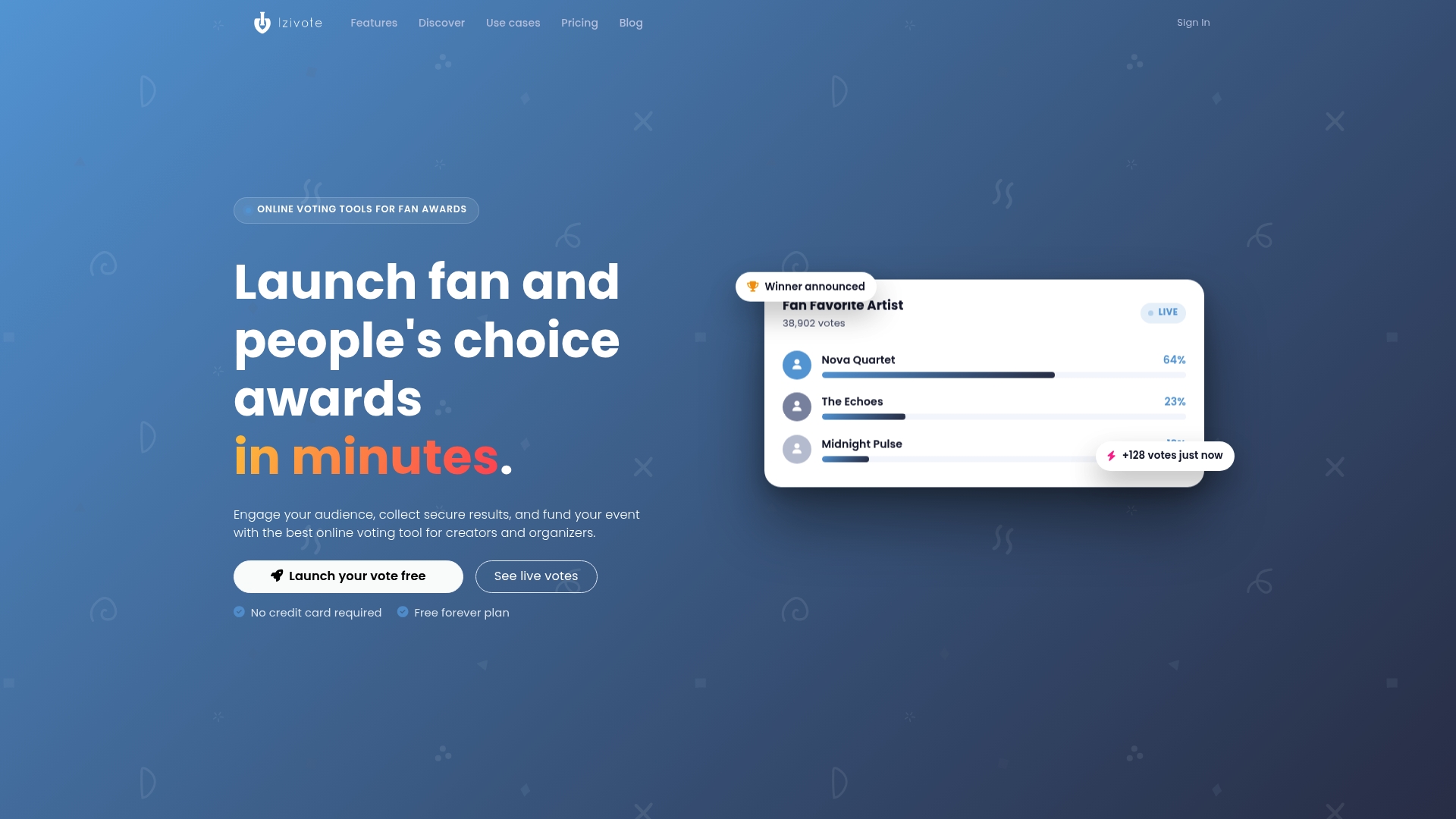
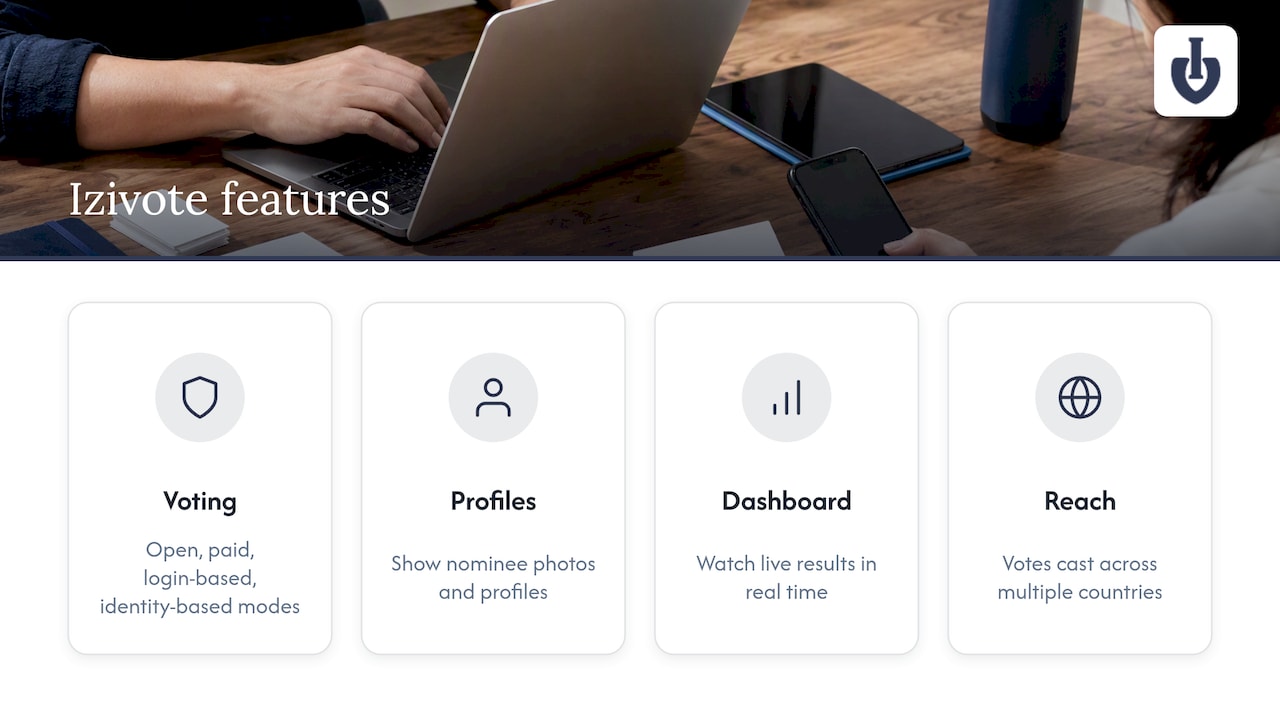
We built Izivote for exactly this job. You can set up a vote yourself, choose from open, paid, login-based or identity-based voting, show nominee photos and profiles, and watch live results on a real-time dashboard. Votes have been cast across events in multiple countries, and our customer stories show how organizers use it.
Start with a free vote, run your rehearsal, then compare plans on our pricing page. For more detail on awards workflows, see our people’s choice use case. When you are ready, create your free vote and send the link to your team for a dry run today.
FAQ
How long should a people’s choice vote stay open?
Long enough to promote and short enough to keep energy high. Many organizers run a nomination window, a verification window and then a voting window, with an audit period at the end. Set the dates before you announce anything.
Do I need voter verification for a people’s choice award?
It depends on the stakes. For a casual fan poll, simple duplicate prevention may be enough, but high-stakes awards need stronger checks such as single sign-on or phone verification.
Can I show live results at the ceremony?
Yes, if you plan for it. Test your connection first, because venue Wi-Fi often struggles with many devices at once. Keep a fallback ready, such as freezing results and announcing winners manually.
How do I prove the results are legitimate?
Publish a short verification summary that describes your checks, any disqualified votes and your method. Keeping timestamped logs makes that summary easy to write.
Sources
- VVSG Principles and Guidelines | NIST
- Handbook for VVSG 2.0 Usability and Accessibility Test Strategies
- Fca
Leave a Reply