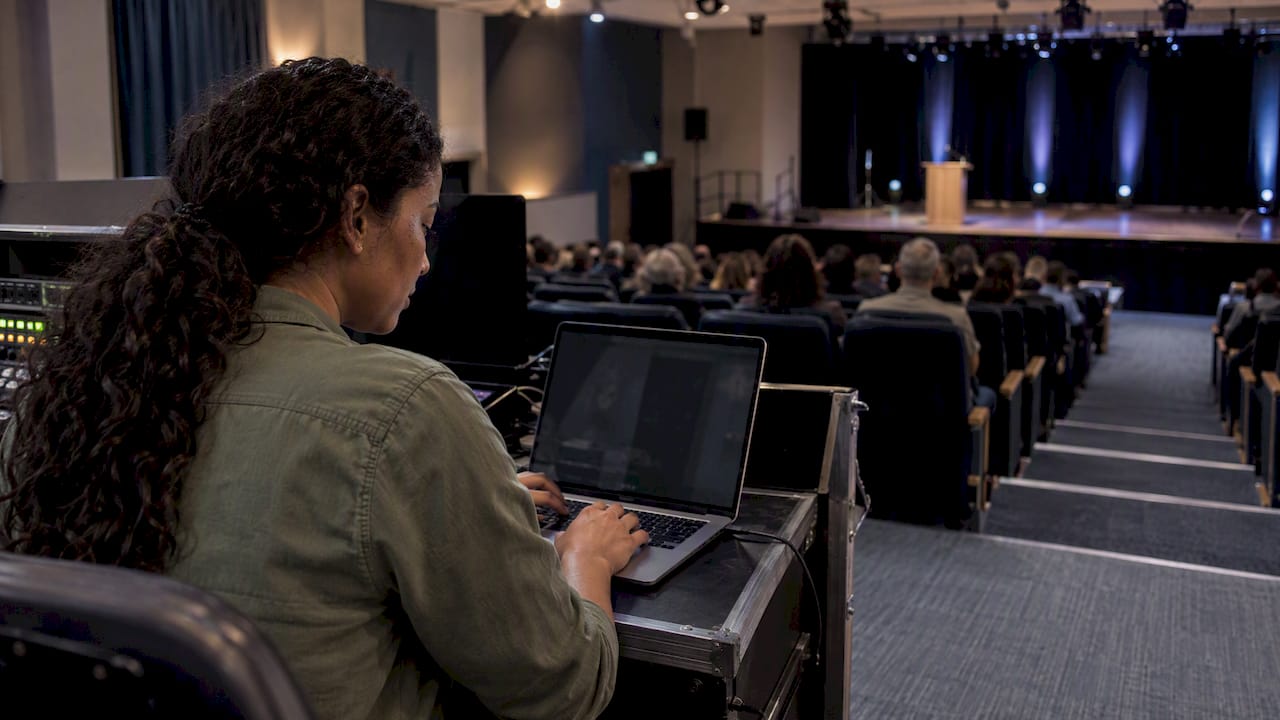
Real-time vote monitoring means watching votes arrive as they are cast, through a dashboard that shows totals, trends and unusual activity while voting is still open. For an awards show, a fan contest or a live event, it does two jobs: it keeps the audience engaged, and it lets you catch problems such as duplicate or bot votes before they decide the outcome. The setup that works best is simple: a private view for you with full detail, a public view you control, and a clear rule for when the final count becomes official.
Key Takeaways
- Treat the live number as a fast snapshot and the final tally as the official record, confirmed after voting closes.
- Track a short list of metrics: votes over time, votes per category, unique voters, vote sources and, for paid voting, revenue.
- Decide in advance whether the public sees live totals, because partial counts can shape how people judge the result.
- Choose a dashboard for transparency, duplicate-vote controls, testing and an audit trail, not just for how fast the numbers move.
- Izivote gives organizers live result dashboards and real-time analytics, with a free plan for small events.
Table of Contents
- What real-time vote monitoring actually means
- What to track while voting is open
- Should the public see live results?
- Catching duplicate and fraudulent votes
- Verification, audit and privacy: what to expect from a system
- How to evaluate a live results dashboard
- Showing live results on stage or on a stream
- How Izivote handles live monitoring
- A monitoring plan you can copy
- FAQ
- Sources
What real-time vote monitoring actually means
In a live poll, the audience watches a tally move in near real time. Engineers who write about this describe the number on screen as an approximate snapshot, with the final tally reconciled once the poll closes. The same source describes a common design: votes are submitted over HTTP or WebSocket connections, validated at the entry point, and tally snapshots are pushed to viewers (Build a Live Poll and Real-Time Vote Tally System).
You do not need to build any of that, but the idea matters for how you run an event. There are really two numbers:
- The live count, optimized for speed. It is what people see while voting is open.
- The final record, optimized for accuracy. It is what you announce and archive after close.
When those two are clearly separated in your communication (“live totals are updating, final results are confirmed after voting closes”), nobody feels cheated if a number shifts slightly at the end.
Monitoring also differs by event type. An election night reporting system for government races pulls counts from many local sources and passes them on. As one example, the Associated Press describes collecting votes through local stringers, state or county websites and state electronic data feeds. A fan award is simpler: every vote goes through one platform, so monitoring is about watching one system closely rather than reconciling many.
What to track while voting is open
Most organizers open a dashboard, see a leaderboard and stop there. The leaderboard is the least useful part during the event. These are the numbers worth watching.
Votes over time
A line of votes per hour tells you whether your promotion is working. Voting usually spikes after an email, a social post or an on-stage mention, then decays. If you see a spike that no campaign explains, look at it before you celebrate it.
Votes per category and per nominee
In a multi-category awards program, some categories draw ten times the traffic of others. A thin category is a signal to feature it in your next message. A category where one nominee jumps far ahead in minutes deserves a closer look at where those votes came from.
Unique voters versus total votes
If your rules allow several votes per person, compare the two. A healthy event has a ratio that matches the rules you published. A ratio far outside that pattern suggests either a very enthusiastic fan base or something automated.
Vote source and timing patterns
Where votes come from (your embedded page, a social link, an email) shows which channel earns its keep. Bursts of votes arriving at a perfectly regular pace, or in the same second, are the classic mark of a script.
Paid voting revenue
If you run paid votes to raise funds, watch revenue next to vote counts. Izivote charges a 10% platform fee on paid votes, so the figures on your dashboard let you see what the campaign is bringing in. For the fairness side of charging for votes, our guide to monetizing fan voting walks through sponsors and the fee.
A simple example
Imagine a community awards night with eight categories and a two-week voting window. On day three, the dashboard shows 70% of votes landing in one category after a nominee shares the link. That is good news for engagement and a prompt to push the other seven categories. On day nine, one nominee in a quiet category gains 400 votes in ten minutes from a single source. You pause, review, and decide whether to require logins for that category. That sequence only works if you can see the data while voting is still open.
Should the public see live results?
This is the decision that matters most, and it is a choice, not a default.
Reasons to show live results. Visible totals create excitement, give nominees something to share, and make the process feel honest. Our piece on transparent voting results covers how to run public votes people trust.
The risk to plan for. Research on the 2020 U.S. election found that people tend to favor early leaders in partial counts and become suspicious of fraud when the eventual winner takes a late lead. The authors suggest rethinking how partial results are communicated (“Stop the Count!” study). That was an election, but the psychology carries over: if your live leader is not your final winner, people will ask why.
Practical ways to manage it:
- Say what the numbers are. Label the public page as live and unofficial until close.
- Pick a visibility mode that fits the event. Full live totals suit fan contests and fundraisers. Hidden totals with a reveal at the ceremony suit formal awards.
- Hide totals for the last stretch. Some organizers show standings until the final day, then freeze the public view and reveal at the show.
- Close automatically. A fixed end time, enforced by the platform, removes any suspicion that the window was extended for a favorite.
If the vote affects something that matters to people, match the safeguards to the stakes. The BBC’s editorial guidelines say a voting mechanism’s robustness should match the editorial significance of the vote, and that results must be properly collated and verified between the close and the announcement (BBC guidance on audience interactivity). A school spirit poll and a scholarship award are not the same level of risk.
Catching duplicate and fraudulent votes
Monitoring is not just a scoreboard. It is your early warning system. Technical guidance for live polls lists the basic checks a voting system should run on each submission: verify the user ID, validate the poll period and the chosen option, check user permissions, and handle simultaneous votes so they are not miscounted (PubNub’s live polls documentation).
In practice, you choose how strict to be through the voting mode:
| Voting mode | How it works | Best for |
|---|---|---|
| Open voting | Anyone with the link can vote | Low-stakes community fun |
| Login-based | Voters sign in before voting | Contests where you want one account per person |
| Identity-based | Voters are tied to a verified identity | Student elections, member votes, higher-stakes awards |
| Paid voting | Voters buy votes, payments are handled by the platform | Fundraising and fan awards |
Izivote supports all four modes, so you can match the control level to the event rather than forcing every vote through the same gate. Our comparison of open vs. paid voting helps you decide.
What to watch on the dashboard for signs of trouble:
- A nominee’s count growing faster than their promotion could explain
- Many votes in the same minute with no matching campaign
- A big gap between unique voters and total votes in a one-vote-per-person category
- A sudden stop in votes for everyone else while one nominee keeps climbing
A flag is not proof. Look first for a benign explanation, such as a newsletter going out or a nominee’s school sharing the link, before you act. Then apply a documented rule, and tell nominees what the rules are before voting opens, not after.
Verification, audit and privacy: what to expect from a system
High-stakes voting research is a useful benchmark even for small events, because it shows what goes wrong. An academic analysis of the Neovote system found it lacked end-to-end verification, that its verification process did not guarantee integrity, and that this allowed errors and attacks, including the temporary publication of an erroneous tally. The researchers argue that voting systems should be scrutinized and audited by independent actors (Springer analysis of Neovote).
The lesson for an organizer is modest and practical: do not rely on a number you cannot check. The National Democratic Institute’s 2024 model checklist says election bodies should audit software and hardware performance in real time or after an election, and that audit methods depend on the system’s function, for instance parallel manual counts of paper audit trails in random samples (NDI Model Checklist). You will not run a paper audit for a fan award, but you can export results and compare them with what you saw on the dashboard before announcing a winner.
A light-weight audit routine for events:
- Before launch, cast test votes in every category and confirm they appear correctly, then clear them.
- During voting, screenshot or export totals at set times, such as daily.
- At close, export the final results and compare with your last snapshot. Explain any differences, such as flagged votes removed.
- Keep the export and your written rules for the record.
How to evaluate a live results dashboard
The same NDI checklist gives a useful frame: voting technology should be transparent, protect ballot secrecy and data privacy, be tested, and allow audits, recounts and a paper trail (NDI). Translated to events and awards, here is a checklist you can use when you compare tools of any type, whether form builders, judge-only scoring tools or app-based systems.
| Question to ask | Why it matters |
|---|---|
| Do totals update live without a page refresh? | Engagement drops when numbers look stale |
| Can I show results to the public and keep a more detailed private view? | You need detail, voters need simplicity |
| Which duplicate-vote controls exist? | Determines how much you can trust the counts |
| Can I export results? | Needed for your audit and record |
| Does voting close automatically? | Prevents disputes about extended windows |
| Can it handle payments if I want fundraising? | Paid voting needs clean handling and reporting |
| Can I embed voting on my own site? | Keeps voters in your brand and your traffic |
| Is there a free tier to test it? | Lets you run a rehearsal before the real event |
Form builders typically collect responses but are not designed to show a public live leaderboard. Judged-only tools suit panels, not audience votes. App-based systems often ask voters to download something first, which costs participation. Those are the gaps a purpose-built audience voting platform is meant to close.
Showing live results on stage or on a stream

At a live show, a results screen is part of the production. Keep the display simple: category name, top few nominees, a clear “voting closes at” time. If you are broadcasting the ceremony, your display and your streaming production need to work together, and a good video streaming setup helps you put a live results view on screen without a lag that makes the numbers look wrong.
A few production habits help:
- Test the results page on the venue network and on a mobile hotspot as a backup.
- Use a large, high-contrast layout for the room, since it is read from far away.
- Have one person own the dashboard, and decide in advance who calls “voting is closed.”
- If you hold the reveal for the ceremony, confirm the final export before you walk on stage.
How Izivote handles live monitoring
Izivote is built for public audience awards and events. Organizers get a dashboard that shows votes as they come in, real-time analytics, and live public result pages that you can choose to share. Voting can be open, paid, login-based or identity-based, and it closes automatically at the time you set. You can embed the voting page on your own site, add nominee photos and profiles, and allow self-nomination.
Pricing is published on the pricing page: a Free plan, Pro at $6 per month or $60 per year, and Premium at $14 per month or $140 per year. Paid voting carries a 10% platform fee per vote.
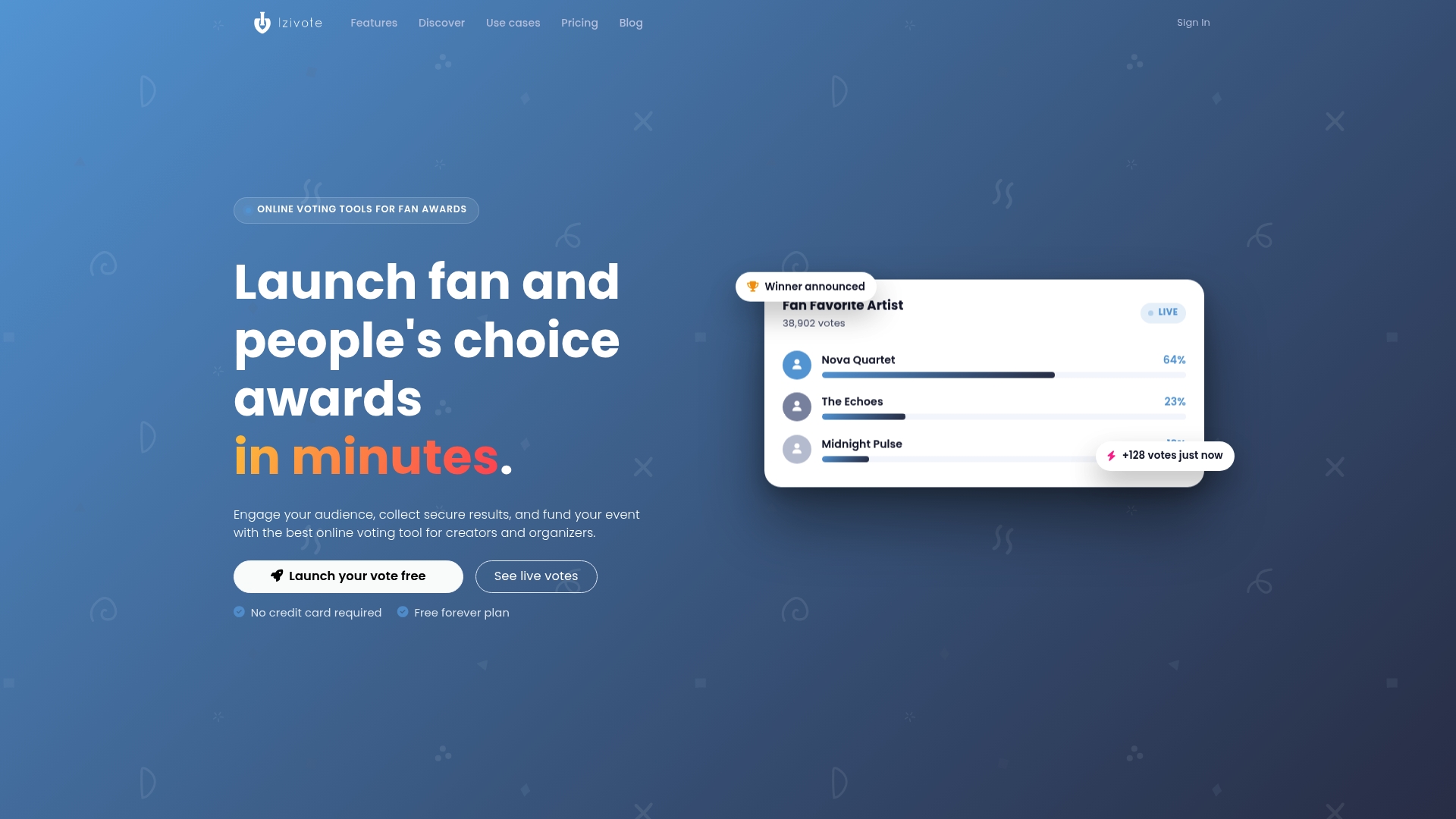
If you want to see your own dashboard before committing, create a free vote, run a few test ballots and watch how the numbers move. For a look at what events like yours have done, see our customer stories, or read how people’s choice awards and live event voting are typically set up.
A monitoring plan you can copy
One week before voting opens
- Write your rules: who can vote, how many times, when voting closes, how disputes are handled.
- Choose the voting mode for each category.
- Run test votes and a dry run of the results page.
While voting is open
- Check the dashboard at set times, for example morning and evening.
- Note spikes and match them to your campaigns.
- Investigate odd patterns before taking any action, and record what you did.
At close
- Let the platform close voting automatically.
- Export results and compare with your last snapshot.
- Announce the winners, and publish how the count was checked.
After the event
- Review which channels drove votes and which categories lagged.
- Keep the export for next year’s planning and for any questions from nominees.
This plan scales down to a school poll and up to a multi-category awards program. The only thing that changes is how strict the voting mode is and how formal your audit step becomes. For school-specific setups, the student elections page and the school election setup guide cover the details.
FAQ
What is the difference between live results and final results?
Live results are a fast snapshot of the count while voting is open. Final results are the confirmed count after voting closes and any flagged votes are reviewed. Tell your audience which one they are looking at.
Should I show live vote totals to the public?
It depends on the event. Public totals boost engagement and suit fan contests and fundraisers. Hidden totals with a reveal suit formal awards, partly because research shows early leaders in partial counts can shape perceptions of the final outcome.
Which metrics matter most during an awards vote?
Start with votes over time, votes per category, unique voters versus total votes, and the source of votes. If you run paid voting, add revenue. These tell you whether your promotion works and whether anything looks unusual.
How do I stop duplicate or fake votes?
Choose a voting mode that fits the stakes: login-based or identity-based voting for events where each person should count once. Then watch for unexplained spikes and mismatches between unique voters and total votes, and publish your rules before voting opens.
Can I try real-time monitoring before a real event?
Yes. Izivote has a free plan, so you can set up a test vote, cast sample ballots and see the dashboard before you launch.
Sources
- Build a Live Poll and Real-Time Vote Tally System
- How AP counts votes and calls races
- “Stop the Count!” study on partial election results
- BBC Guidance: Audience Interactivity, Part C
- PubNub: Live polls and score predictions
- An Analysis of the Security and Privacy Issues of Neovote
- NDI: Monitoring Electoral Electronic Technologies, Model Checklist
Leave a Reply