
A good voting dashboard shows you, in one screen, how many votes each nominee has, where those votes come from and whether the count can be trusted. It also lets you change the vote while it runs: open or close categories, set the voting mode and track money if votes are paid. This guide covers the features that matter for awards, fan contests, pageants and school elections, and how to judge them before you commit.
We built Izivote for public audience awards, so the examples lean toward people’s choice events. The checklist applies to any online vote.
Key Takeaways
- The core of a voting dashboard is live visibility: current standings per category, vote totals and participation, updated as votes arrive.
- Control matters as much as reporting. Look for voting modes, nominee management, scheduling and automatic closing in the same place.
- Trust comes from design: identity checks, a clear tally and results that voters and the public can understand.
- Paid voting adds a second job to the dashboard: showing revenue, fees and payment handling next to the votes.
- Match the dashboard to your event type and size before you compare prices.
Table of Contents
- What a voting dashboard actually does
- Core features every voting dashboard should have
- Tracking votes and participation in real time
- Voting modes: the settings that shape your results
- Trust and transparency features
- Features that make voting easy for participants
- Paid voting: what the dashboard must handle
- Reports, filters and results you will want
- How to choose a voting dashboard
- Matching features to your event
- Start with a free vote
- FAQ
- Sources
What a voting dashboard actually does
The word “dashboard” covers two different things, and mixing them up leads to the wrong tool.
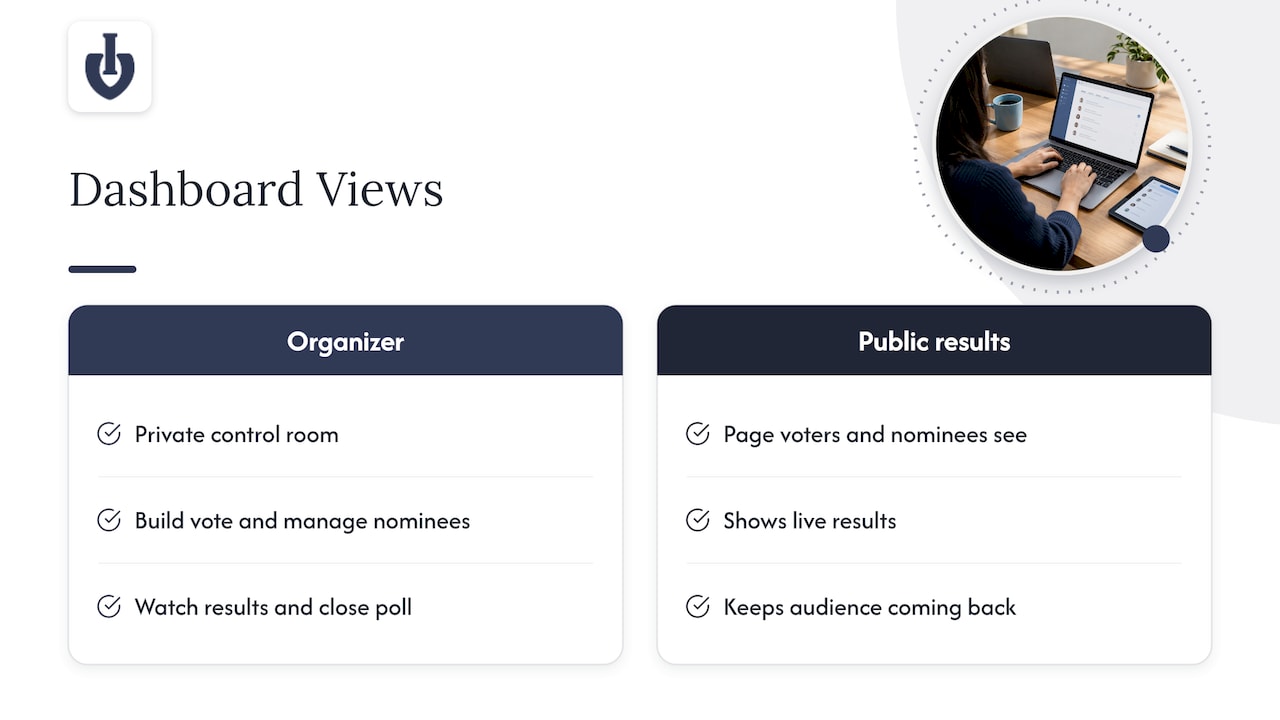
The first is the organizer dashboard. It is the private control room where you build the vote, manage nominees, watch results and close the poll. The second is the public results view, the page voters and nominees see. Many events use both: a private panel for the team and a live public page that keeps the audience coming back.
Search results for this topic are full of government election dashboards that map turnout and registration data. Those are built for officials and analysts. An awards or contest dashboard has a different job: it runs a single event, usually for a few weeks, with a small team and an audience that wants to see who is winning. The features below are written for that job.
Core features every voting dashboard should have
Live vote counts and standings
This is the feature people picture first. You should see the current count for every nominee in every category without refreshing a spreadsheet or waiting for an export. For a fan award, the same live standings often appear on a public page, which turns the vote into content: nominees share their position, fans push to close a gap, and the audience checks back.
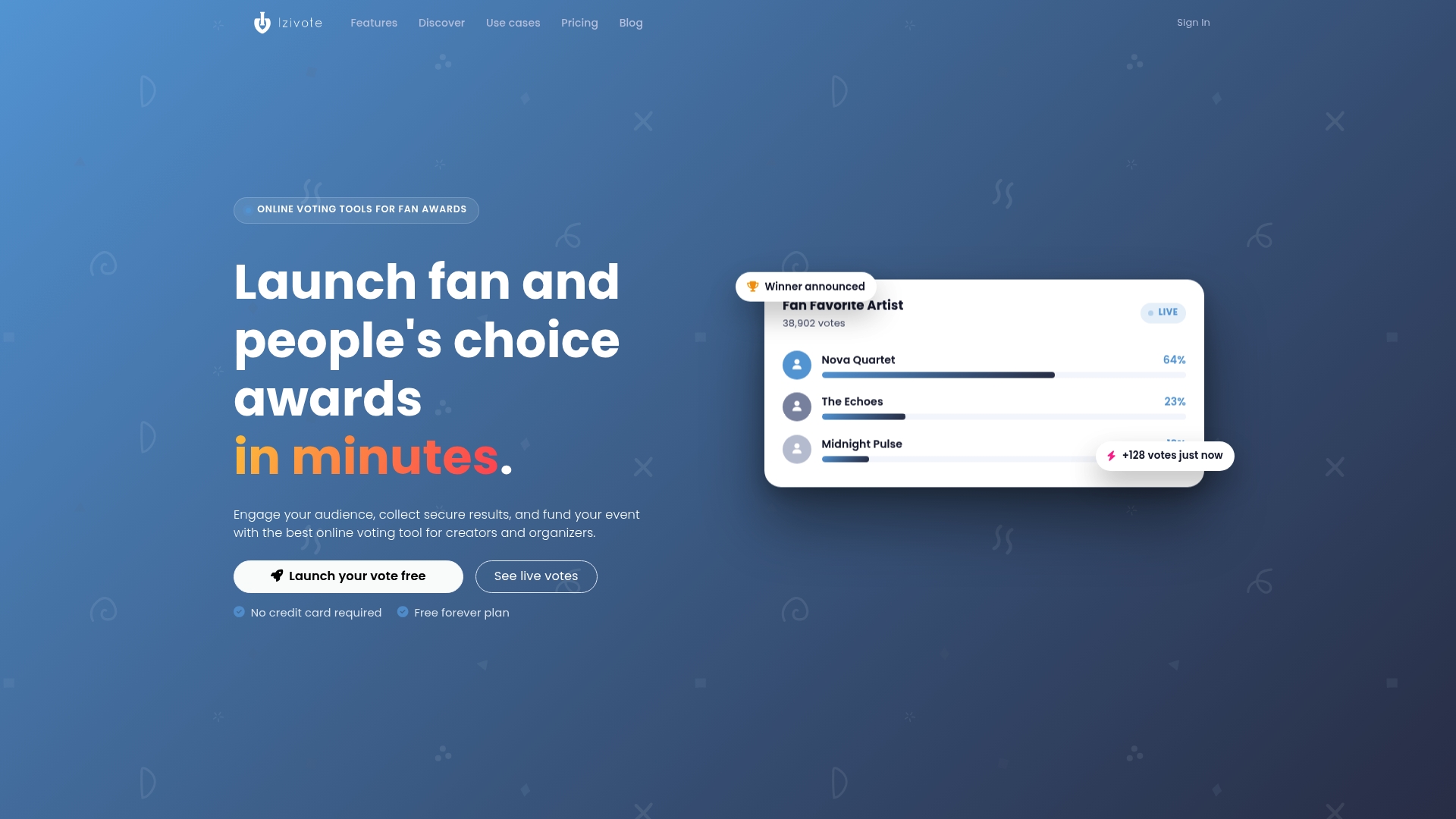
Izivote’s live result dashboards work this way. Organizers watch votes as they come in, and a public results view can show the standings to everyone. You can see how a results page looks on a sample vote with results and nominees.
Multi-category support
Most awards are not one question. You may have Best Newcomer, Best Venue and Fan Favorite in the same event. The dashboard should let you manage all categories in one place, with separate totals for each, instead of forcing you to launch a new poll for every award. Check that you can switch between categories quickly and compare them.
Nominee profiles and media
Voters decide faster, and more fairly, when each nominee has a photo and a short description. The dashboard is where you add, edit and reorder those profiles. Izivote supports nominee photos and profiles, and it also supports self-nomination, which lets nominees put themselves forward so you are not collecting entries by email.
Scheduling and automatic closing
Disputes often start with the end time: “I voted at 11:58, why didn’t it count?” A dashboard with automatic vote closing removes that argument. You set the end time, the vote closes on its own and the final results are fixed. Izivote includes automatic closing, so nobody has to be online at midnight to stop the count.
Embedding and sharing
Votes happen where your audience already is: your website, a ticketing page, a school portal, a social bio. Look for a voting page you can embed on your own site, plus a clean public link for sharing. Izivote offers voting page embedding, so the vote can live on your site instead of sending people somewhere unfamiliar.
Tracking votes and participation in real time
A live count answers “who is winning?” Participation tracking answers a better question: “is this vote healthy?”
What to watch while the vote runs:
- Total votes over time. A steady curve usually means organic interest. A sudden spike at 3 a.m. deserves a look.
- Votes per nominee. If one nominee jumps far ahead in an hour, find out why. It may be a good social post or a problem.
- Votes per category. Low participation in one category tells you where to promote.
- Traffic and conversion. If many people open the vote page but few vote, the page is too complicated or the voting method asks for too much.
Real-time analytics let you act during the vote, not after it. If a category is lagging, you can send a reminder. If a nominee is surging, you can congratulate them publicly and use it for promotion. Our guide to real-time vote monitoring for events and awards goes deeper on what to look at and when.
The same idea shows up in other live-scoring tools. A live digital scorecards and leaderboards setup updates standings the moment a score is entered, and audiences now expect voting results to feel just as immediate.
Voting modes: the settings that shape your results
The dashboard is also where you decide who can vote and how often. This choice affects the credibility of your results more than any chart does. Izivote offers four modes: open, paid, login-based and identity-based. The full detail is in the voting types and voter identity help page.
| Mode | Best for | What to consider |
|---|---|---|
| Open voting | Casual community polls, quick fan favorites | Easiest for voters, but gives the least protection against repeat voting |
| Paid voting | Fundraisers, fan awards that raise money | Each vote has a cost, so you need payment handling and clear fee rules |
| Login-based voting | Clubs, schools, member groups | Ties votes to an account; see our guide to login-based voting |
| Identity-based voting | Events where one person, one vote matters | Verifies the voter, for example by email; read about email verification voting |
A dashboard that lets you change modes per vote, rather than locking you into one approach, saves you from outgrowing the tool. A school election and a public fan award have different needs, and the same account should handle both.
Trust and transparency features
People accept a result they can understand. They reject one that feels like a black box. The dashboard should support trust in two directions.
Research on election verification describes this as end-to-end verifiability: voters should be able to check that their selection was recorded correctly, and the public should be able to check that recorded votes were included correctly in the tally. That framework was written for formal elections, and an awards vote does not need that level of cryptography. The principle still translates into practical questions for any contest:
- Can a voter see confirmation that their vote was recorded?
- Can the audience see the standings, so the final result does not come as a surprise?
- Can you explain, in one sentence, how duplicate votes are limited?
- Is the tally something the organizer cannot quietly adjust?
Public live results are a simple transparency tool. When everyone watches the same numbers rise, there is less room for suspicion at the end. Identity-based and login-based modes add another layer, because each vote is connected to a verified person or account. Izivote is designed around clear, secure and transparent voting, and its voting modes give you the controls to match the level of protection to your event.
Features that make voting easy for participants
A dashboard is only as good as the voting page it controls. If voters struggle, your numbers will be small and your results will be thin. Check these participant-side features, which you configure from the dashboard:
- Mobile-friendly pages. Most fans vote from a phone, often after seeing a social post.
- Few clicks. Pick a nominee, confirm, done. Every extra step costs votes.
- Clear visual nominees. Photos and short profiles help people choose without leaving the page.
- Obvious rules. Show how many votes each person gets and when voting closes.
- Familiar placement. An embedded vote on your own site feels safer than an unfamiliar link.
If you run a school election, the needs shift toward simplicity and verification. Our page on online voting for student elections shows how those features apply in a school setting.
Paid voting: what the dashboard must handle
Paid voting turns an awards vote into a fundraiser, and it changes what you need from the dashboard. You are no longer just counting votes; you are handling money and expectations.
Look for:
- Built-in payment handling, so you are not collecting cash or bank transfers by hand.
- A clear statement of the platform fee. Izivote’s fee on paid voting is 10% per vote, as listed on the pricing page.
- Visibility of votes bought alongside votes cast, so you can reconcile money with results.
- The ability to run free and paid rounds, or separate categories, if you want a mix.
Fairness is the other half. Paid votes can feel unfair to nominees with smaller audiences unless the rules are stated up front. Many organizers pair paid votes with a free daily vote, or cap paid voting to a defined window. Two guides cover this in detail: open voting versus paid voting and how to monetize fan voting, including sponsors and fairness. For the product itself, see our paid voting platform.
Reports, filters and results you will want
When the vote closes, you need to turn numbers into decisions and announcements. Whatever tool you use, think about what you will do with the data:
- Winner announcement. You need final standings per category, with a clear tie-break rule decided in advance.
- Sponsor reporting. Sponsors want to know how many people took part and how long the vote ran.
- Nominee feedback. Nominees often ask how they did; a results page answers that.
- Next year’s planning. Compare categories by participation to decide what to keep, rename or drop.
Before you commit to any platform, ask yourself which of these outputs you actually need and confirm the tool supports them. Izivote’s real-time analytics and user-friendly dashboard are built so organizers can monitor votes throughout and see the standings at any point in the event.
How to choose a voting dashboard
Use this checklist to compare options by type: form builders, judged-only award software, mobile app-based voting and purpose-built public voting platforms.
- Is it built for public voting? A general form tool collects answers. It does not show live standings, handle nominee profiles or manage paid votes.
- How fast can you launch? Self-serve setup means you can start the same day, not after a sales call.
- Which voting modes are available? Make sure open, login, identity and paid options match your event.
- Can it live on your site? Embedding keeps your audience in your own space.
- Does it close automatically? This protects the integrity of the final result.
- What does it cost? Count subscription fees plus any per-vote fee, and check that the free tier is enough for a trial run.
- Can voters use it easily on a phone? Test the voter journey yourself, start to finish.
Our positioning is simple: Izivote is purpose-built for public audience awards and events, with instant self-serve setup, embeddable voting, visual nominee profiles and live public results. It is designed to be easier to launch and more transparent than form builders, judged-only solutions or app-based alternatives. You can see how organizers use it on our customers page and browse the full features overview.
Matching features to your event
Different events lean on different parts of the dashboard.
- People’s choice and fan awards: live public results, multi-category voting and nominee profiles. See online voting tools for people’s choice awards.
- Industry awards and competitions: category management and identity controls. See online voting for awards and competitions.
- Pageants and live shows: paid voting, fast mobile voting and a visible leaderboard.
- Schools and clubs: login-based or identity-based voting, and simple setup for non-technical staff.
- Corporate polls: private access and clear results. See online voting for corporate and employee polls.
- Community groups: low cost and low effort. See online voting for community groups and clubs.
Start with a free vote
If you want to see a voting dashboard working before you decide, Izivote has a Free plan for small events. When you need more, Pro costs $6 per month or $60 per year, and Premium costs $14 per month or $140 per year. Paid voting carries a 10% platform fee per vote. You can build your first vote in minutes: add categories, upload nominee photos, choose a voting mode and share the link.
Ready to try it? Create a fan award or online vote for free, or compare plans on the pricing page.
FAQ
What is the most important voting dashboard feature?
Live visibility of votes per nominee and category is the foundation, because every other decision depends on it. Right behind it is control over voting modes, so you can limit repeat voting and match the vote to your event. Without both, you have a counter, not a dashboard.
Can I run a voting dashboard on my own website?
Yes, if the platform supports embedding. Izivote lets you embed the voting page on your own site, so voters stay in your environment while the dashboard tracks the results behind the scenes.
How do I stop people from voting many times?
Choose a voting mode that fits the stakes. Open voting is easiest for voters but gives the least protection. Login-based and identity-based modes tie votes to an account or verified person. Whichever you choose, state the rules clearly on the voting page.
Is a free voting dashboard enough for a small event?
Often, yes. Izivote has a Free plan aimed at small events, and you can move to Pro or Premium later if you need more. Check the pricing page for what each plan includes.
Leave a Reply